Portfolio Platforms vs. Custom Websites: Pros and Cons for Artists
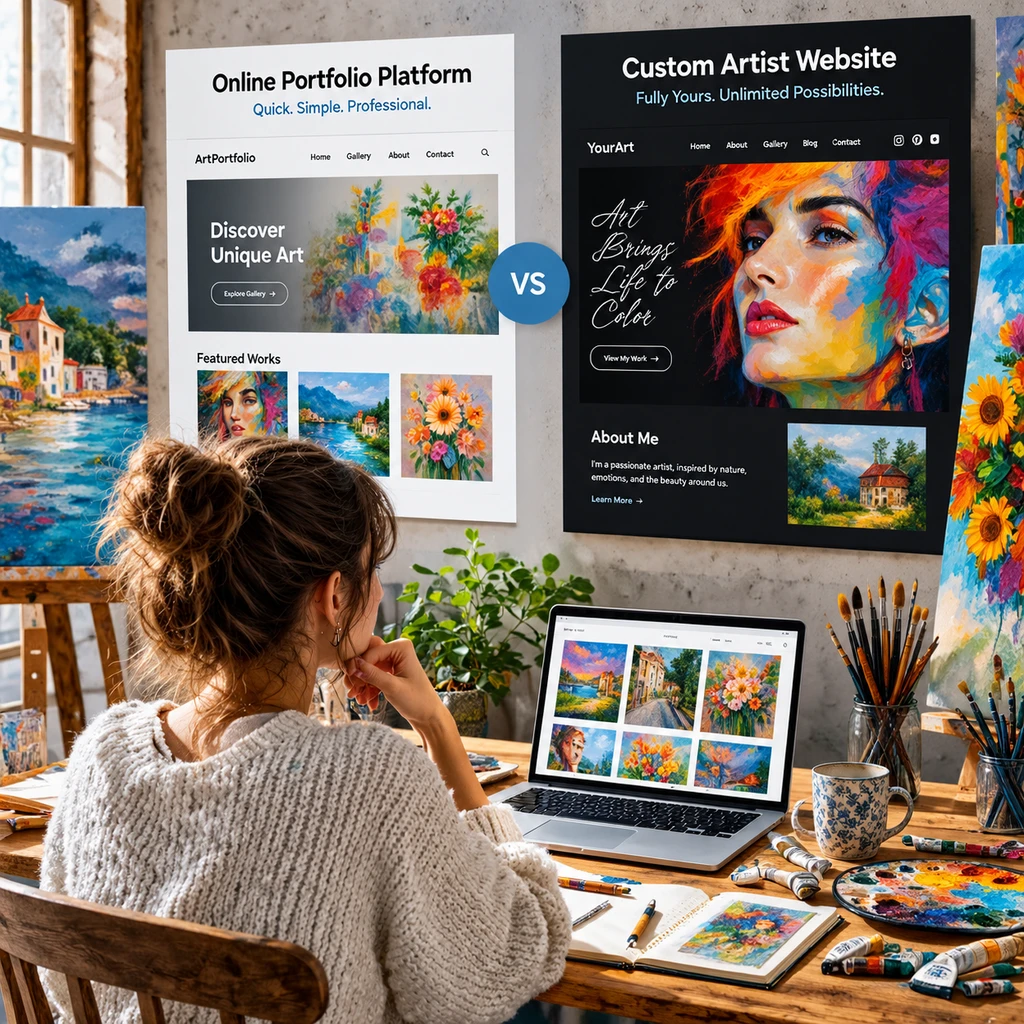
Your artist portfolio is often the first place a curator, client, gallery, or potential buyer encounters your work. Choosing where to build it affects more than appearance: it shapes how easily you can update artwork galleries, express your artistic identity, and manage your online presence.
Portfolio platforms and custom websites can both present art professionally. The right choice depends on how much control you need, what you can spend, how comfortable you are with technology, and whether your site needs to grow beyond a portfolio.
What’s the Difference Between a Portfolio Platform and a Custom Website?
A portfolio platform is a hosted service that provides a website builder, templates, and tools for displaying work. A custom website is built or configured around your specific design and functional needs, giving you more control over how the site looks and works.
On a portfolio platform, you usually create pages within the service’s system. You choose a template, upload images, add captions or project details, and adjust the available settings. Depending on the service and plan, hosting, security, and software updates may be handled for you. You may also be able to connect a custom domain name.
A custom website can mean anything from a site made with a flexible website builder to one designed and developed from scratch. You may select your own hosting and domain provider, choose how galleries behave, and shape navigation and page layouts around your art practice. More control also means more decisions: someone must handle maintenance and updates.
The distinction is therefore less about whether a site is “professional” and more about who controls the system. A platform supplies a prepared framework; a custom site lets you choose or build more of that framework yourself.
The Pros of Using a Portfolio Platform
Portfolio platforms make it quicker to publish an artist portfolio because they bundle templates, hosting, and common display tools in one place. They suit artists who want to spend less time on technical setup and more time preparing and sharing work.
Ease of setup is the clearest advantage. A typical setup involves selecting a template, creating pages, uploading artwork, and adding contact information. You do not need to arrange separate hosting before you can start, and many platforms guide you through basic site settings.
Ready-made templates and customization can also help establish a clean, consistent presentation. Templates often include layouts for artwork galleries, project pages, biographies, and contact details. Many are designed to adapt to phones and tablets, although it is still wise to check how your images, text, and navigation appear on a small screen.
Platforms can reduce routine technical upkeep. The provider may manage hosting, security infrastructure, and platform updates, so you are less likely to be responsible for server configuration or software compatibility. That convenience has a trade-off: your site depends on the provider’s features, terms, and continued operation.
- Faster launch: Useful when you need a presentable portfolio soon.
- Lower technical barrier: You can often update images and text without coding.
- Built-in structure: Gallery and page templates help organize work consistently.
- Less hands-on upkeep: Hosting and some technical maintenance are commonly bundled.
A platform is especially practical for an emerging artist, a student applying for opportunities, or an established artist who needs a straightforward home for selected work. It still takes thoughtful editing: a template cannot decide which pieces belong together or explain the context behind them.
The Cons of Using a Portfolio Platform
The main downside of a portfolio platform is that its design and features are limited by the tools and rules the provider offers. It can be easy to start, yet harder to create a distinctive experience if your needs fall outside the template’s options.
Templates may restrict page structure, typography, gallery behavior, or the placement of text. Two artists using the same popular design can end up with similar-looking sites, even when their work has very different needs. Customization controls can help, but they do not always provide the precision of a bespoke design.
Feature limits matter when a portfolio becomes part of a broader practice. You might want a carefully filtered archive, a detailed project case study, a mailing-list signup, a shop, or a specific way to present installation views. A platform may support some of these features natively, offer integrations, or not support them at all. Check the actual plan and tools before committing.
You also have less control over the underlying system. A provider can change its interface, pricing, features, or terms. Exporting pages and moving a site may require rebuilding layouts, even if you can download your images and text. A custom domain improves the continuity of your web address, but it does not automatically make the entire site portable.
These limitations do not make portfolio platforms unsuitable. They mean you should check whether the platform supports the presentation you need now and whether its exit options are acceptable if your practice changes.
The Pros and Cons of a Custom Website
A custom website offers greater control over design, structure, and functionality, but it usually requires more planning, money, or technical effort than a ready-made portfolio platform. The balance depends on whether you build it yourself, use a website builder, or hire a designer and developer.
With a custom approach, you can create an experience suited to the work. A painter might organize galleries by series; a sculptor might prioritize installation photographs and dimensions; a multidisciplinary artist might need separate paths for commissions, exhibitions, and research. A thoughtful site can make those relationships clear instead of forcing every project into the same layout.
Greater control can support a more distinctive brand and online presence. You can make decisions about visual identity, navigation, page hierarchy, and interactions. You may also have more options for connecting a shop, newsletter, or other tools. But custom design does not guarantee a better portfolio: extra features can distract from the work if they do not serve visitors.
The costs are broader than the initial build. Budget for the domain name and hosting, and consider paid tools, design or development help, and future maintenance. If you manage the site yourself, updates, backups, security, and troubleshooting can take time. Choosing a flexible website builder may reduce coding needs, but you still need to learn its system and keep the site organized.
Choose custom for specific needs, not for prestige. If a simple gallery and contact page meet your goals, the extra control may not be worth the added work. If the portfolio needs a distinctive structure or must support several parts of your practice, that investment may make sense.
How to Choose the Right Option for Your Art Practice
Choose the option that meets your current presentation needs while fitting your budget, technical confidence, and plans for growth. A useful test is to list what a visitor must be able to understand or do, then see which route handles those tasks with the least friction.
Start with the artwork. Do you need a small, curated selection, or a large archive organized by medium, series, and date? Will visitors need project descriptions, exhibition history, image details, or a way to inquire about a commission? The more specific the presentation requirements, the more carefully you should compare templates and features.
- Budget: Compare the full ongoing cost, including subscriptions or hosting, domain renewal, paid features, and any professional help.
- Time to launch: If you need a portfolio for an upcoming application, a platform may get a clear version online sooner.
- Technical confidence: Be honest about whether you want to manage updates and troubleshooting, or prefer a hosted service to handle more of that work.
- Design needs: Identify any essential gallery, navigation, or branding choices before selecting a template or commissioning a site.
- Growth plans: Consider whether you expect to add a shop, archive, newsletter, or new project categories soon.
Try a small reality check before deciding: sketch the homepage and one artwork page, then test the platform or builder you are considering with a few real images. A layout that looks appealing in a demo may crop photographs poorly or make captions difficult to read on mobile.
For many artists, a platform is a sensible first step; for others, a custom site is justified from the outset. Neither choice signals artistic seriousness. A focused, current portfolio is more useful than an elaborate site that is hard to navigate or rarely updated.
Can You Start on a Platform and Move to a Custom Website Later?
Yes, you can begin on a portfolio platform and move to a custom website as your needs change. Planning for content and domain continuity early makes the transition easier, though you may still need to rebuild the site’s design and page structure.
Keep original copies of your artwork images, captions, project descriptions, biography, and exhibition details somewhere you control. Use consistent filenames and maintain a simple list of page URLs. This content library will make it easier to recreate galleries or update descriptions later, regardless of which provider you use.
If you have a custom domain, understand how it is registered and how to change its DNS settings before a move. You may be able to point the same domain to a new host, which helps visitors keep using a familiar address. Domain transfer and website migration are separate processes, so check the providers’ instructions and avoid cancelling the old service until the new site works.
Plan for links, too. Pages with different addresses can create broken links from applications, social profiles, or exhibition listings. Where possible, recreate key page paths or set up redirects. After launch, check the homepage, galleries, contact details, and mobile display on the new site.
A platform-to-custom transition is most useful when the current site has become a genuine constraint, such as when you need a new gallery structure or added functionality. Moving solely because “custom” sounds more professional can consume time and budget without improving how people experience your work.
Frequently Asked Questions
Portfolio platforms and custom websites can both work well for artists; the best answer depends on how you present and manage your work. These common questions can help clarify the practical differences.
Is a portfolio platform enough for a professional artist?
Yes. A professional artist can use a portfolio platform if it presents the work clearly, provides accurate information, and makes contact easy. Professionalism comes from the quality and organization of the portfolio as well as how reliably it is maintained, not simply from how the site was built.
Do artists need to know how to code to build a custom website?
No. Many website builders let artists customize a site without writing code, and designers can create a site on an artist’s behalf. Still, a custom setup may involve learning a new tool or arranging help for maintenance, integrations, and technical issues.
Which option is easier to update with new artwork?
Portfolio platforms are often easier for routine updates because their editing tools and gallery layouts are designed for that purpose. A custom website can be just as manageable if it has a simple content system, but updates may take more work if the site was built around a complicated structure.
Can an artist use a custom domain with a portfolio platform?
Many portfolio platforms allow artists to connect a custom domain, though availability and setup depend on the provider and plan. A custom domain gives you a consistent address, but it does not remove the platform’s design or feature limits.