SEO for Artists: How to Make Your Portfolio Discoverable Online

A thoughtful artist portfolio website can introduce your work to people who have never heard your name. Search engine optimization (SEO) helps search engines understand what your pages show, so they can connect relevant searches with your portfolio. It cannot guarantee rankings or sales, but a few clear, consistent improvements make your work easier to find and explore.
How SEO helps people find an artist’s portfolio
SEO helps search engines understand an artist’s portfolio and match its pages with relevant searches. Clear page information and useful artwork details give potential visitors more ways to discover your work.
Someone might search for a medium, subject, style, or service, such as “linocut prints of native plants” or “portrait painter in Bristol.” If your portfolio explains what you make and where you work, search engines have better context for showing the right page to those people. Each page can serve a different purpose: an artist statement introduces your practice, a collection page groups related work, and an individual artwork page provides specific details.
SEO works best alongside a strong portfolio and straightforward presentation. A search result may bring someone to your site, but the work itself, the page experience, and clear contact information shape what happens next. Treat SEO as a way to make your existing work legible online, not as a replacement for artistic direction.
Choose keywords that reflect your work and audience
Choose keywords by describing your medium, subject, style, and location in language your intended audience might use. Specific, accurate phrases usually communicate more than broad terms such as “artist” or “art.”
Start with the words you would use to explain your practice to a visitor, then consider what a curator, collector, or local customer might type into a search box. Combine a few useful details: “abstract oil paintings,” “ceramic wall reliefs,” or “watercolor landscape artist in Portland.” These are starting points, not phrases to force onto every page.
A simple keyword framework is medium + subject or style + audience or place. For example, a printmaker might use “botanical screen prints” on a collection page and “screen-printed fern study” on a particular artwork page. Use variations naturally in headings and descriptions. Keyword research can include autocomplete suggestions and related searches, but confirm that each phrase genuinely describes your work.
- Choose one main topic for each important page.
- Use specific phrases that distinguish your practice from a broad category.
- Include a location only when it is relevant to your services, studio, or exhibitions.
- Avoid repeating the same keyword unnaturally; clarity matters more than density.
Search volume is only one consideration. A highly specific phrase may attract fewer searches but better match the people you hope will find that particular work.
Optimize portfolio pages and artwork descriptions
Optimize each portfolio page with a distinctive page title, a clear heading, a readable URL, and useful artwork context. These details help visitors and search engines understand what the page contains.
Write a concise page title that names the subject of the page and, where useful, your name. For example: “Botanical Linocut Prints | Mara Chen.” A meta description should summarize the page in natural language, giving a searcher a reason to visit without promising something the page does not deliver. Search engines may choose to display other text, so treat the description as helpful guidance rather than guaranteed search-result copy.
Use one clear main heading, followed by descriptive subheadings where they help organize content. Keep URLs short and understandable, such as /botanical-prints/ rather than a string of numbers. On an artwork page, include the title, medium, dimensions if relevant, year, and a sentence about the subject or process. Specific context is more useful than a vague line such as “beautiful piece from my latest collection.”
Give each page its own focus. A collection page can explain how a group of works relates; an individual artwork page can provide its particular materials and story. Avoid publishing near-identical descriptions across many pages, which make the portfolio less helpful to browse.
Make artwork images easier to discover
Make artwork images easier to discover by using descriptive filenames, accurate image alt text, useful captions, and appropriately sized files. These steps add context while keeping the artwork’s visual presentation central.
Before uploading an image, replace a generic filename such as IMG_2048.jpg with a brief description such as blue-ceramic-vessel-glazed-stoneware.jpg. Write alt text to describe the image’s meaningful visual content, for example: “Blue stoneware vessel with a narrow neck and matte glaze.” If the image is purely decorative and adds no information, an empty alt attribute is generally preferable to repetitive or keyword-stuffed text. Alt text supports accessibility and can help search engines interpret an image, but it does not guarantee image-search placement.
Captions can add information that does not belong in alt text, such as the artwork’s title, medium, or exhibition context. Resize and compress images so they load efficiently, while keeping enough detail for people to appreciate the work. Test the result on a phone: aggressive compression can make texture and color look inaccurate, while oversized files can slow the page.
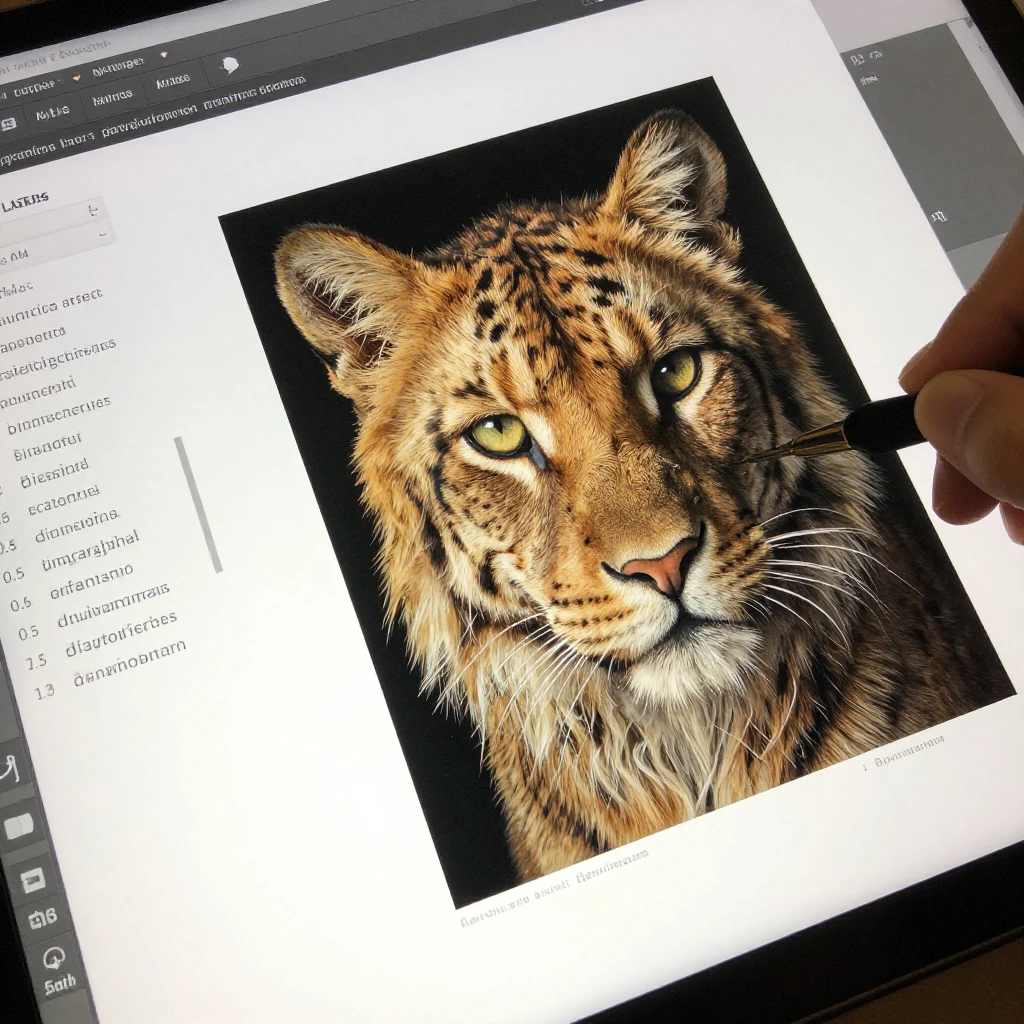
Build a portfolio site that is easy to explore
A portfolio site is easier to use and understand when its navigation is clear, related pages link to each other, and every page works well on mobile. A visitor should be able to move from an introduction to relevant artwork without hunting through menus.
Organize the site around the way people explore your practice: for example, About, Work, selected collections, exhibitions, and Contact. Use descriptive links such as “View the botanical print collection” rather than relying on vague labels like “Click here.” Internal links connect related pages and help visitors discover more of your work; they also give search engines useful clues about how your site is organized.
Mobile-friendly design matters because visitors may arrive from a phone and want to view images, read captions, and find your contact details without pinching or excessive scrolling. Check that text is legible, menus work by touch, and images fit the screen. Keep page performance in mind: large image galleries can feel slow, so use appropriately sized files and avoid unnecessary effects. The trade-off is simple: visual polish should support the work, not make it difficult to see or use.
Track results and keep your portfolio current
Track portfolio SEO with Google Search Console, then review which searches and pages bring impressions and visits. Use those patterns to make focused improvements rather than changing the whole site based on short-term fluctuations.
Google Search Console can show queries that surfaced your pages, clicks, impressions, and indexing issues. It will not tell you whether every visitor is a good fit or whether a page led to a commission, so pair search data with your own goals. For example, if a collection page earns impressions for a relevant medium but few clicks, consider whether its page title clearly describes the work. If an important page is not indexed, check for technical issues or accidental restrictions.
Set a manageable review routine, such as checking the site every few months and after a significant change to your practice. Add new work when it is ready, revise outdated exhibition information, test contact links, and check key pages on mobile. Avoid refreshing every description simply to appear active; accurate, useful updates matter more than frequent edits.
- Confirm that important pages are indexed and accessible.
- Review the queries and pages receiving impressions.
- Update titles or descriptions when they do not clearly represent the page.
- Check images, navigation, and contact details on a phone.
Frequently asked questions about SEO for artists
Artists can maintain SEO with occasional, meaningful updates and accurate page information. The answers below cover common questions about updating a portfolio, choosing keywords, image alt text, and local visibility.
How often should artists update their portfolio for SEO?
Update your portfolio when you have meaningful new work, changes to your practice, or information that has become outdated. A quarterly review is a useful starting point, but there is no required publishing schedule. Do not add work before it is ready just to make the site look active.
What keywords should an artist use on a portfolio website?
Use phrases that accurately describe your medium, subject, style, and relevant location. “Hand-built stoneware tableware” is more informative than “creative artist” when it matches the work. Give each page a clear focus instead of placing every phrase on the homepage.
Does image alt text help artwork appear in search?
Alt text gives a text description of an image and can help search engines interpret its content. Its main purpose is accessibility, so describe what is visibly important rather than adding a list of keywords. Good alt text can support image discovery, but it does not promise a particular search position.
Is SEO useful for artists who sell locally?
Yes, local SEO can help when your work or services are tied to a place, such as studio visits, local commissions, or nearby exhibitions. Name your city or region where it naturally belongs, and keep location and contact details consistent. If your work is not location-dependent, adding a city to every page may confuse visitors rather than help them.