How to Build a Stunning Online Portfolio That Gets You Hired
Why Your Online Portfolio Is Your Most Powerful Career Tool
For artists and designers, an online portfolio website does what a résumé simply cannot: it shows rather than tells. A hiring manager or potential client can read that you're a "skilled illustrator" in a CV, but they need to see the work to believe it.
In creative fields, the portfolio is the pitch. Employers and clients make decisions within seconds of landing on your site. Research from the Nielsen Norman Group consistently shows that users form first impressions in under 50 milliseconds — which means your visual presentation either earns trust or loses it before anyone reads a single word.
A strong portfolio also works while you sleep. Unlike a résumé that sits in someone's inbox, a well-optimized portfolio site is discoverable through search, shareable on social platforms, and available to anyone, anywhere, at any time. For freelancers especially, it functions as a 24/7 sales tool.
The stakes are real. Graphic designers, photographers, UI/UX designers, and illustrators who invest in a polished portfolio consistently report more inbound inquiries and stronger negotiating positions than those relying on PDF attachments or social media alone.
Choosing the Right Platform for Your Creative Work
The best portfolio platform is the one you'll actually maintain — and that presents your work without getting in the way. Each tool has a different sweet spot depending on your discipline, technical comfort level, and budget.
Behance is free and plugged into the Adobe ecosystem, making it a natural starting point for graphic designers and illustrators who already use Creative Cloud. Its built-in community means exposure to other creatives and potential clients who browse the platform actively.
Adobe Portfolio comes included with Creative Cloud subscriptions and integrates directly with Lightroom and Behance. It's clean, fast to set up, and handles photography and visual design beautifully — though customization is limited compared to other options.
Squarespace offers the most design flexibility of the no-code platforms. The templates are genuinely polished, and the platform handles custom domains, e-commerce, and blogging in one place. It's a strong choice for photographers, brand designers, and anyone who wants full control over visual hierarchy without writing code.
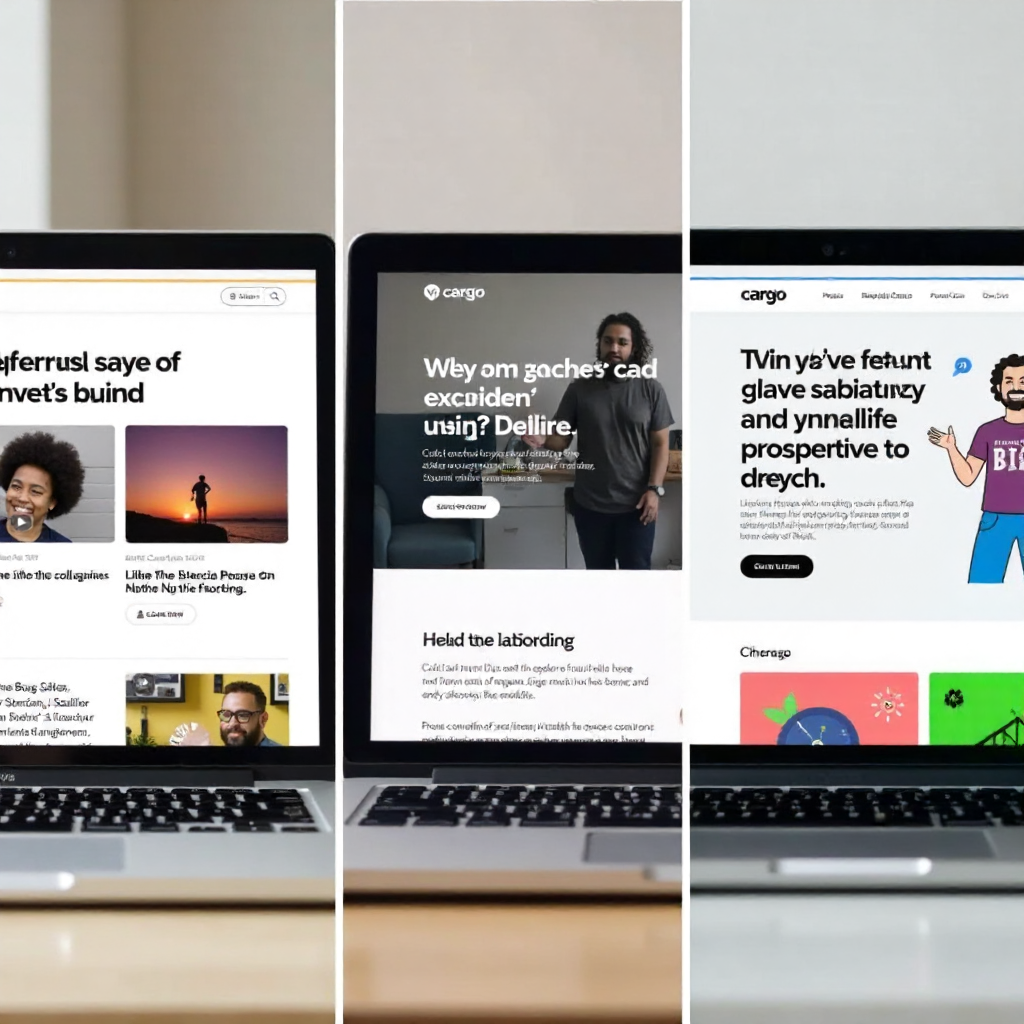
Cargo is the option for designers who want their portfolio to feel like a design statement in itself. It's used heavily in editorial, fashion, and experimental design circles. The learning curve is steeper, but the results are often striking.
If you're just starting out, Behance or Adobe Portfolio gets you live quickly. If you're established and want a professional home base, Squarespace or a self-hosted site on a custom domain is worth the investment. Choosing a platform is a decision you can revisit — don't let it become the reason you delay launching.
Curating Your Work: Quality Over Quantity
A portfolio of eight exceptional pieces outperforms a portfolio of thirty mediocre ones every time. Curated work samples signal judgment — and judgment is exactly what clients and employers are hiring.
Start by auditing everything you've made. Then ask two questions about each piece: Does this represent the kind of work I want to do more of? Would I be proud to walk a client through this in a meeting? If the answer to either is no, cut it.
A common mistake is including work simply because it was a high-profile client or a paid project. Prestige doesn't compensate for weak execution. Conversely, a personal project that showcases your range, problem-solving, or craft absolutely belongs in the mix — even if it was never commissioned.
For most creative disciplines, eight to twelve pieces is a solid range. UI/UX designers might show fewer but deeper case studies; photographers might curate tightly themed galleries. The format depends on the field, but the principle holds: every piece should earn its place.
Organize your work so the strongest piece appears first and the second-strongest appears last. The middle can carry supporting work. Visitors rarely view every project in order — but they always notice the first and remember the last.
Presenting Projects With Context, Not Just Images
Images alone don't communicate thinking, and thinking is what separates a skilled creative from a talented one. Project descriptions and case studies give your work the context that turns a viewer into a believer.
For each project, cover three things briefly: the problem or brief, your approach and process, and the outcome or result. You don't need to write an essay. Three to five sentences per project can be enough — the goal is to show that you understand why you made the decisions you made, not just what you made.
UI/UX designers benefit most from full case studies that document research, wireframes, iterations, and final screens. But even a graphic designer or illustrator can add value by mentioning the client's goal, the conceptual direction they chose, and why it worked.
Avoid vague language like "I created a visually compelling brand identity." Instead, try: "The client needed to reposition from budget to premium. We stripped back the color palette to two tones and redesigned the wordmark to reflect the shift — within six months, they reported a 30% increase in average order value." Specificity builds credibility.
Process imagery — sketches, wireframes, mood boards, early drafts — is underused by most creatives and genuinely valued by clients and creative directors. It proves you have a methodology, not just taste.
Crafting a Personal Brand That Runs Through Every Page
Personal branding isn't about inventing a persona — it's about making sure your portfolio feels like it was made by one consistent, intentional person. Visual inconsistency is one of the fastest ways to undermine an otherwise strong body of work.
Choose a limited color palette, one or two typefaces, and a consistent layout logic, then apply them across every page. The header, the project thumbnails, the About page, the contact form — all of it should feel like it belongs to the same system.
The About page is where most creatives underinvest. It's often the second most-visited page on a portfolio site, and it's where a potential client decides whether they want to work with you as a person. Write it in first person. Be specific about your background, your approach, and what kinds of projects energize you. A photo helps — people hire people, not logos.
Tone of voice matters as much as visual identity. If your work is playful and expressive, your copy should reflect that. If you specialize in corporate brand systems, a more precise, professional tone signals alignment with that audience. The mismatch between visual style and written voice is a subtle but real trust-breaker.
Optimizing for Discoverability and Usability
A beautiful portfolio that nobody finds — or that loads slowly on mobile — is a missed opportunity. Basic search visibility and user experience fundamentals are non-negotiable, even for visual creatives who'd rather not think about them.
Start with page titles and meta descriptions. Every page on your site should have a descriptive title that includes your name, your discipline, and your location if you work locally. "Jane Doe — Brand Designer in Berlin" does more for search visibility than "Welcome to My Portfolio."
Navigation should be simple: Work, About, Contact. Possibly a Blog or Services page if relevant. Anything beyond that risks burying the content that matters. Visitors shouldn't have to hunt for your best projects or figure out how to reach you.
Mobile responsiveness is no longer optional. Over half of web traffic globally comes from mobile devices, and a portfolio that breaks on a phone signals carelessness — the opposite of what you want to communicate. All the major platforms (Squarespace, Adobe Portfolio, Cargo) handle this automatically, but always test on an actual device, not just a browser preview.
Image optimization matters for load speed. Large, uncompressed files can add several seconds to page load time, and research from Google shows that 53% of mobile users abandon a site that takes longer than three seconds to load. Use tools like Squoosh or TinyPNG to compress images before uploading without visible quality loss.
Turning Visitors Into Clients or Employers With a Clear CTA
Every page on your portfolio should give visitors a clear next step. Without a strong call to action, even genuinely interested visitors leave without making contact — and most don't come back.
The contact page should be easy to find, easy to use, and warm in tone. A short paragraph that explains what you're available for (freelance projects, full-time roles, collaborations) removes ambiguity and helps the right people self-select. A simple contact form works better than just listing an email address — it lowers the friction of reaching out.
Don't save the CTA only for the contact page. Place a line at the bottom of project case studies: "Interested in working together? Get in touch." Add a brief prompt to your About page. These micro-CTAs catch visitors at the moment of highest engagement, which is right after they've finished reading something that impressed them.
Be specific about what you're inviting people to do. "Let's talk about your project" converts better than "Contact me" because it frames the conversation around their needs. "View my availability" works well for freelancers who want to signal that they're selective about their work.
If you're actively job-seeking, make your résumé downloadable from the portfolio. If you're freelancing, consider a brief FAQ or services page that answers common client questions before they ask. Reducing friction at every step of the inquiry process is how a portfolio becomes a genuine business tool, not just a digital showreel.
Frequently Asked Questions
How many pieces should I include in my portfolio?
Aim for eight to twelve curated work samples. Quality matters far more than volume — a focused selection of your strongest, most relevant projects will always outperform a larger collection of uneven work. When in doubt, cut.
Do I need a custom domain for my portfolio website?
A custom domain (yourname.com) is worth the investment — typically $10–20 per year. It looks more professional than a platform subdomain, is easier to share verbally, and signals that you take your practice seriously. Most portfolio platforms make it straightforward to connect one.
Should I include personal or passion projects alongside client work?
Yes, if they're strong. Personal projects often show your true range and interests better than client work constrained by briefs. Just be clear about what's commissioned and what's self-initiated — context helps viewers understand your creative latitude in each case.
How often should I update my online portfolio?
Review your portfolio every three to six months. Add new work that raises the bar, remove pieces that no longer represent your current level, and refresh your About page if your focus has shifted. A portfolio that hasn't changed in two years signals stagnation to anyone who checks back.
Can I have more than one portfolio for different creative disciplines?
Yes, and sometimes it's the smarter move. If you do both illustration and UX design, a single mixed portfolio can confuse potential clients who are looking for a specialist. Separate sites (or clearly separated sections) let you speak directly to each audience without diluting your positioning.